 Epoch Tasks
To-dos that keep time.
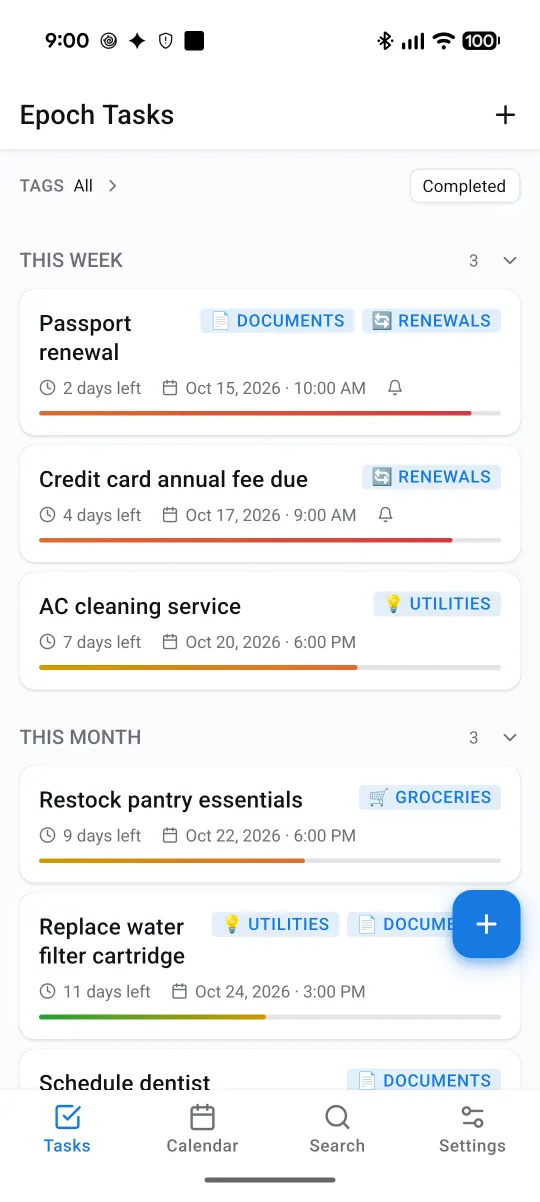
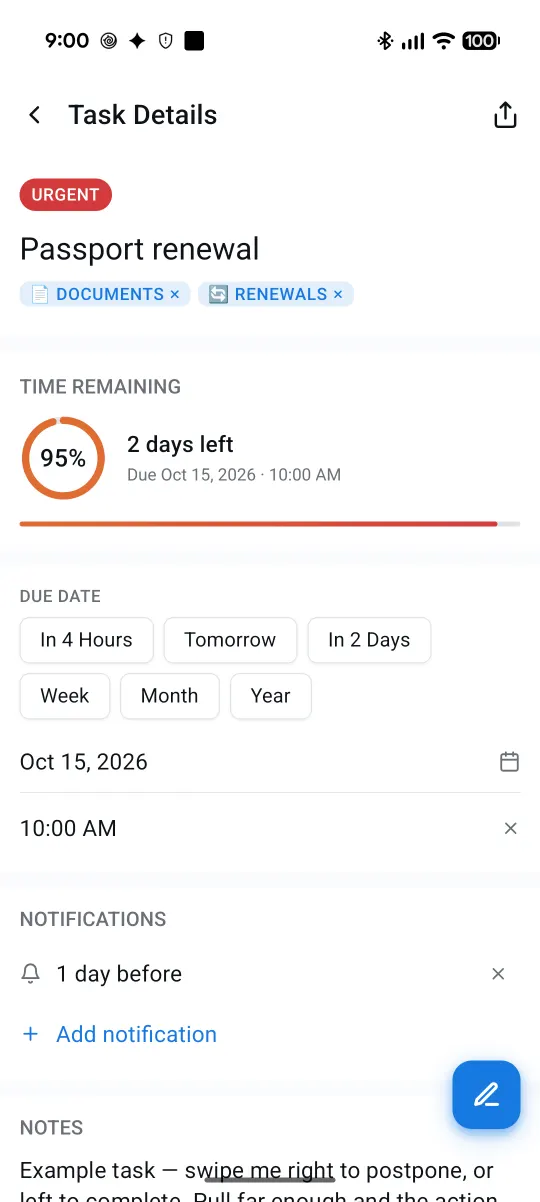
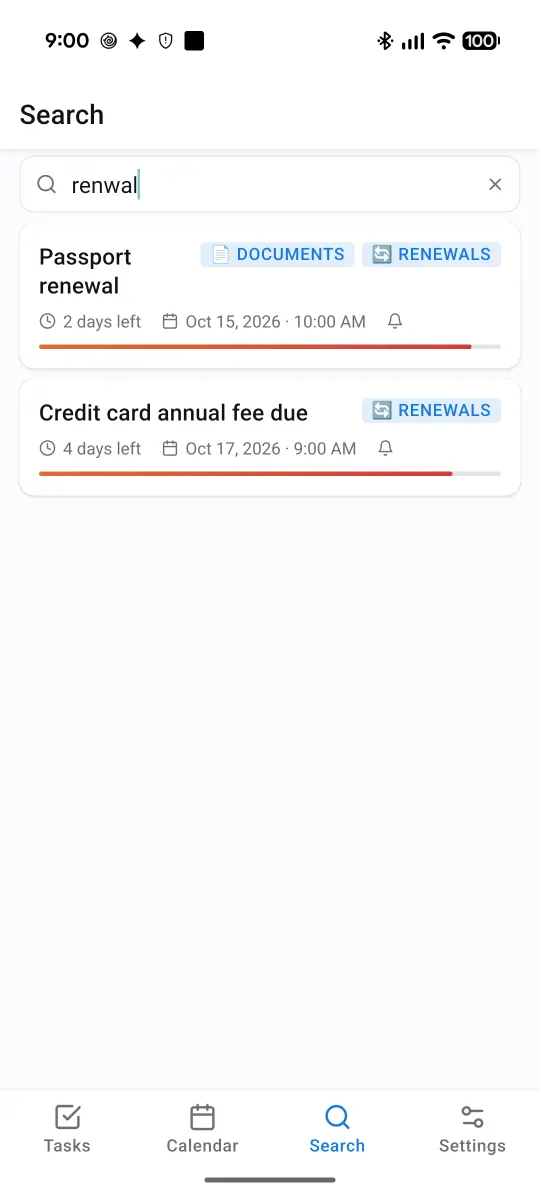
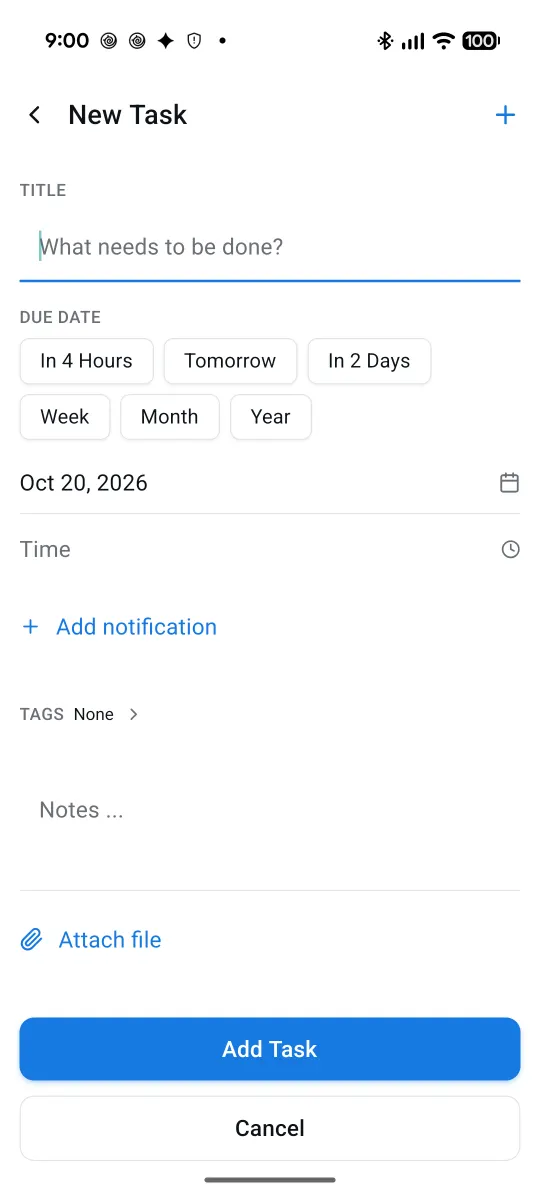
Renewals, bills, appointments, chores — every task shows how much time is left, and reminds you before it's late. Add tasks with a tap, or just ask Gemini, Claude or ChatGPT.
Just say it. It's on your list.
Talk to the assistant you already use. Epoch Tasks adds the task with its due date, finds what's due, and checks things off — and it shows up in the app within seconds.
For the things you can't afford to forget
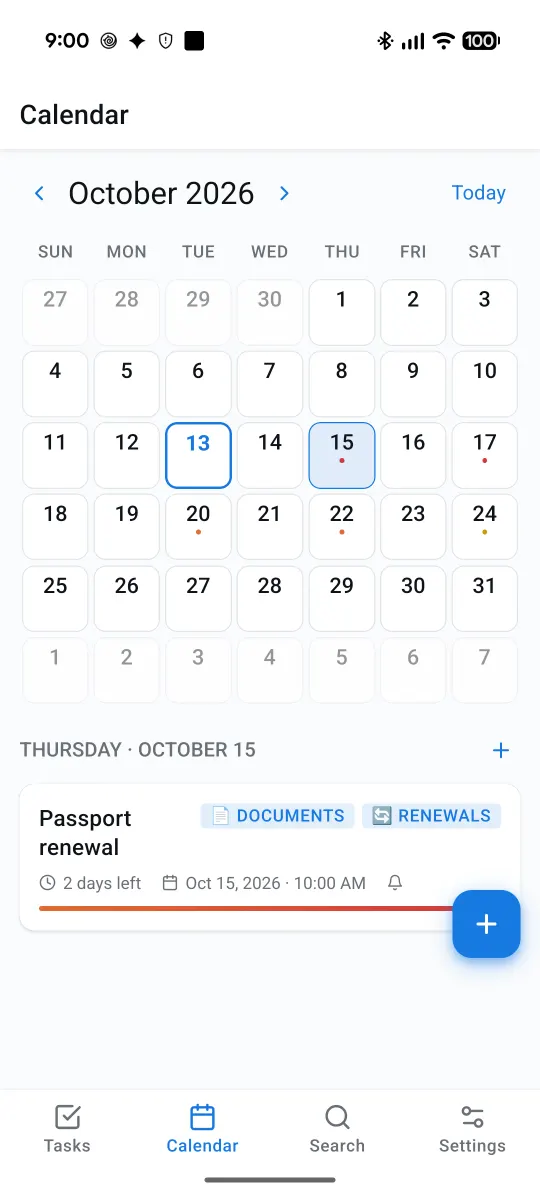
The things that slip are rarely today's to-dos — they're the ones due in three weeks. Epoch Tasks keeps them in view until they're done.
Renewals & documents
Passport, driver's license, car insurance, subscriptions. Set it once with a reminder a month ahead.
Add renew passport to Epoch Tasks, due in two weeks
Bills & payments
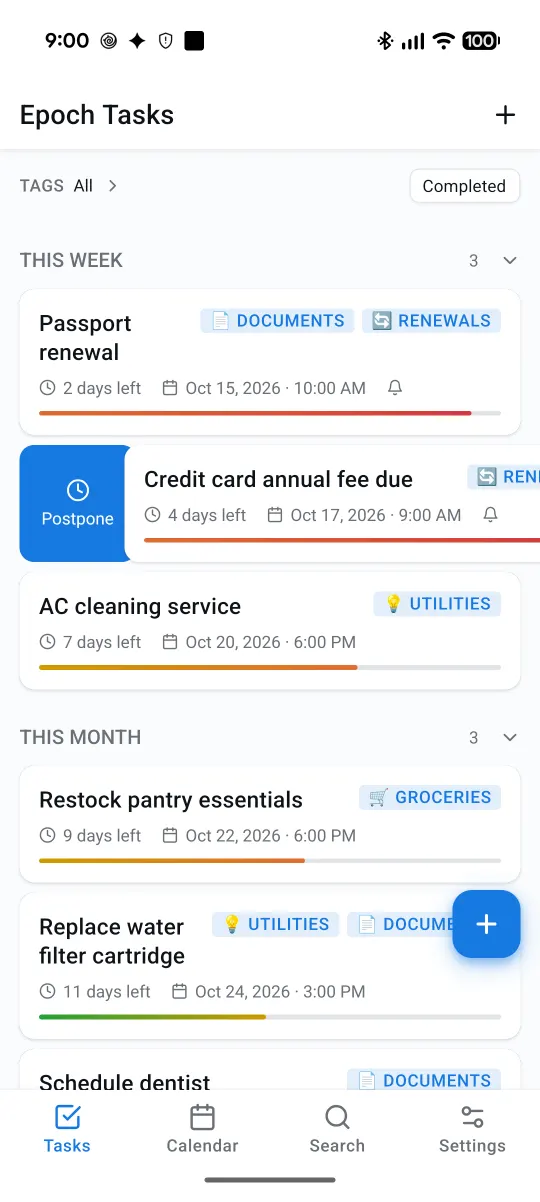
Rent, card fees, taxes. Repeating tasks come back on schedule — paid this month, next month is already there.
Remind me to pay rent on the 1st of every month
Home upkeep
Water filter, AC service, smoke-alarm batteries — the jobs that only come around every few months.
Add replace the water filter, every 6 months
Health & family
Dentist check-ups, prescription refills, school forms, vet visits — with a reminder the day before.
Add book a dentist check-up for next Monday at 9 AM
Errands & shopping
Return a package before the window closes, restock the pantry, pick up the dry cleaning.
What's due this week?
Work & study deadlines
Reports, applications, exam registration. The bar fills up as the deadline gets closer, so nothing sneaks up on you.
I submitted the visa form — mark it done
Fast, native, and out of your way
Connect your assistant in two minutes
In the app, open Settings → Connect an AI Assistant, pick your assistant and tap Create My Link. Then paste the link once:
Gemini web setup
- On a computer, open gemini.google.com — custom apps can't be added from the Gemini phone app.
- Click the gear (Settings & help) → Connected Apps.
- Scroll down, click Add a custom app, paste your link, click Next and approve.
- In any chat — on the web or your phone — type @ and pick Epoch Tasks.
Gemini custom apps are rolling out by country, account type and plan. On Android 16+, Gemini can also add tasks right on your phone, without a link, as Google enables it.
Claude
- On claude.ai, go to Customize → Connectors.
- Click + Add → Add custom connector.
- Name it Epoch Tasks, paste your link, choose No sign in, and add it.
- In a chat, switch it on under + → Connectors. Works in the phone app too.
ChatGPT
- On a computer, go to chatgpt.com/plugins.
- Click + → Add custom MCP server.
- Name it Epoch Tasks, paste your link, choose No authentication, and create it.
- Ask away — ChatGPT confirms before it changes anything.
Also works with Claude Code, Cursor, VS Code and other apps that support MCP servers.
Your tasks are yours.
Epoch Tasks works fully on your phone. Sync and AI assistants are there when you want them — never required.
- No account, no sign-up: your tasks stay on your device unless you turn on Cloud Sync.
- Cloud Sync is private to your account, and you can delete it any time — right in the app.
- Each AI-assistant link is yours alone, and you can switch it off instantly.
- We don't sell your data or use it for ads. No analytics of our own. Read the Privacy Policy.
Questions
Do I need an account?
No. Everything works on your phone without signing in. Sign in with Google only if you want Cloud Sync (backup and sync across devices) or an AI assistant.
Which AI assistants work with Epoch Tasks?
Claude, ChatGPT and Gemini, plus apps that support MCP servers such as Claude Code, Cursor and VS Code. You can ask them to add tasks, find what's due, change dates and mark tasks done.
How do I add tasks with Gemini?
Connect Epoch Tasks on gemini.google.com (Settings & help → Connected Apps → Add a custom app, then paste the link from the app), then type @ in a Gemini chat and pick Epoch Tasks. Gemini's custom apps are rolling out by country, account and plan. On Android 16 and later, Gemini can also add tasks directly on your phone as Google enables it for apps.
Is there an iPhone version?
It's on the way, with Siri support: "Hey Siri, add a task in Epoch Tasks".
What does it cost?
Epoch Tasks is free with ads. A one-time purchase removes them for good — no subscription.
How do I delete my data?
Without Cloud Sync, your data lives only on your phone — uninstalling deletes it. With Cloud Sync, use Settings → Cloud Sync → Delete Account, or see how to delete your account.
Try it before everyone else
Epoch Tasks for Android is in testing on Google Play. Send us the email address of your Google account and we'll invite you.
Request an invite